QR Code Types — the right format for every use
Web, Email, SMS, Phone, FTP, business card or calendar: choose the format that fits your use case, with the same simple creation and editing experience.
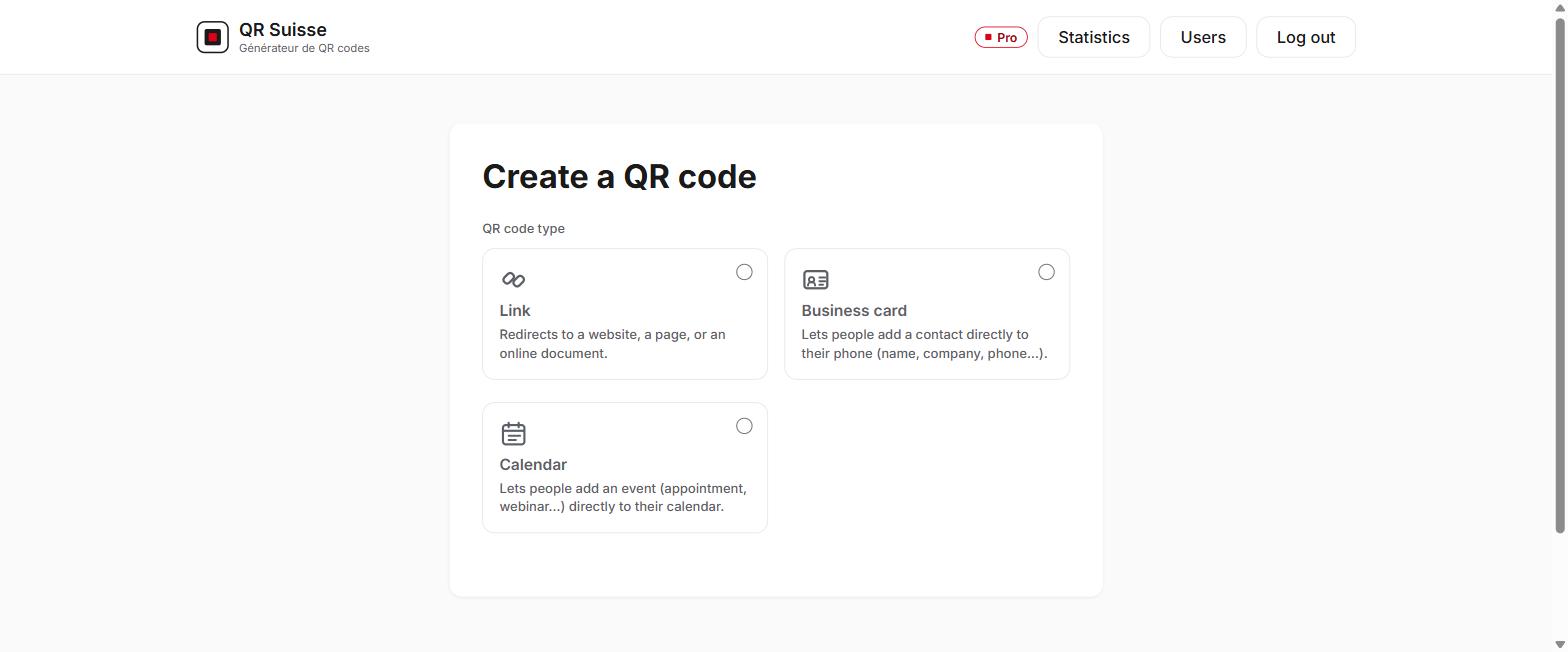
A QR Suisse account doesn't limit you to a single content type: when creating a QR code, you choose the format that fits your use case, from seven available types. Whichever format you choose, it works the same way: you can change the destination at any time from your account, without ever needing to reprint the physical material the QR code is placed on.
You can combine several types within the same account depending on your needs — a waiting-room notice as QR Web, a printed business card as QR Business Card, an invitation as QR Calendar — each benefiting from the same scan statistics and the same ability to change the destination at any time.
Try QR Suisse
The Free plan is available immediately, self-service, no credit card required.
Create a free account